Mac Remote Controller

Seamlessly integrate your Mac with your Android phone. The perfect companion app for remote Mac features.

GET IT ON Google Play
Mac Remote Controller App Screenshot Mac Remote Controller App Screenshot 2 Mac Remote Controller App Screenshot 3 Mac Remote Controller App Screenshot 4

Getting started

1

Connect to Same Network

Make sure both your Mac and mobile device are connected to the same local network or use your mobile hotspot.

2

Install the Mac Companion App

Download and install the MacController Desktop application on your Mac using the download button above.

3

Press Pair and Show QR Code

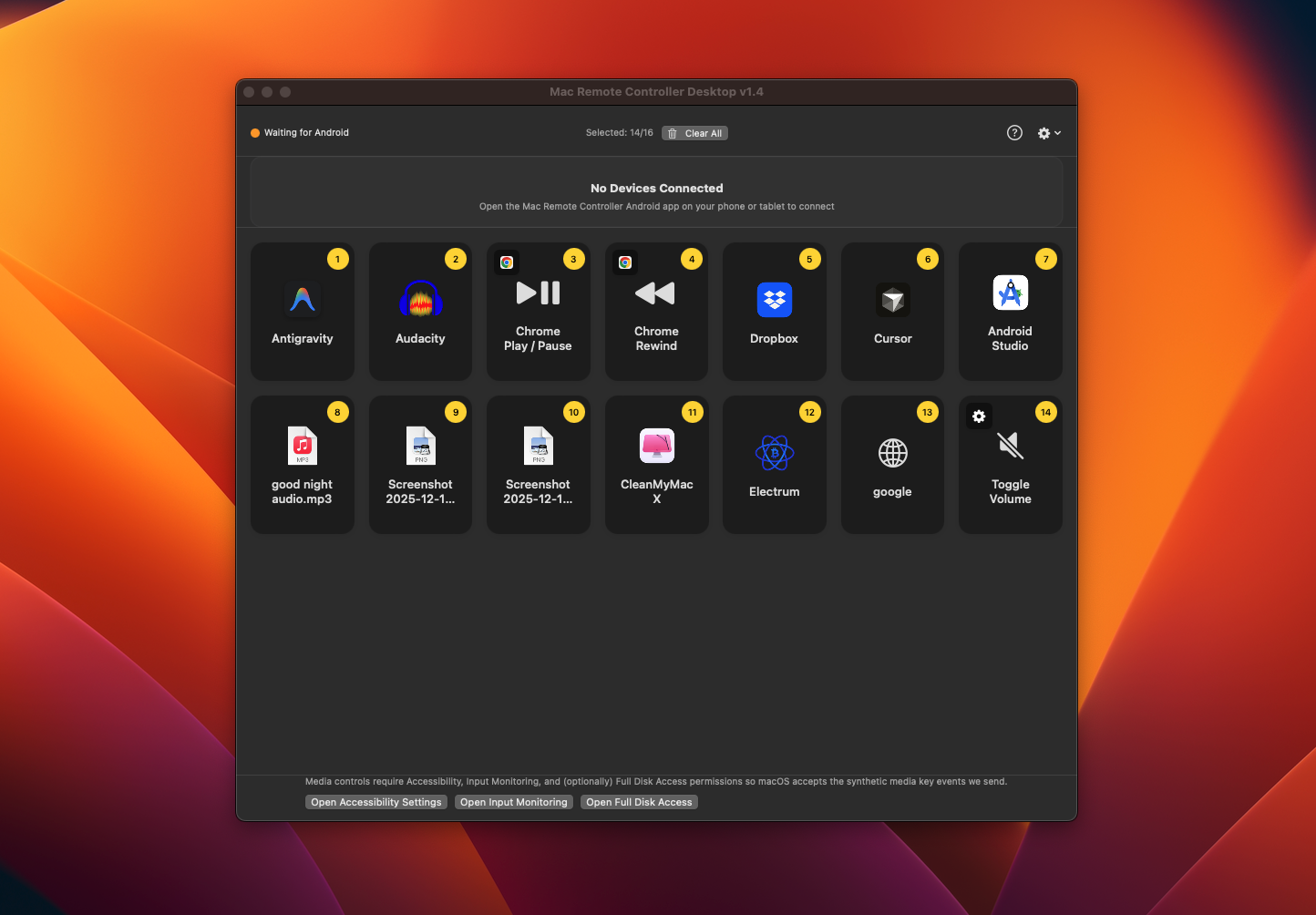
Click the Pair button in the MacController Desktop app to show the QR code.

4

Tap Connect on Your Phone

Open the Mac Remote Controller app on your Android device, tap the Connect button, and scan the QR code displayed in the Mac desktop app with your camera.

Powerful Features

🧠

Smart App Following

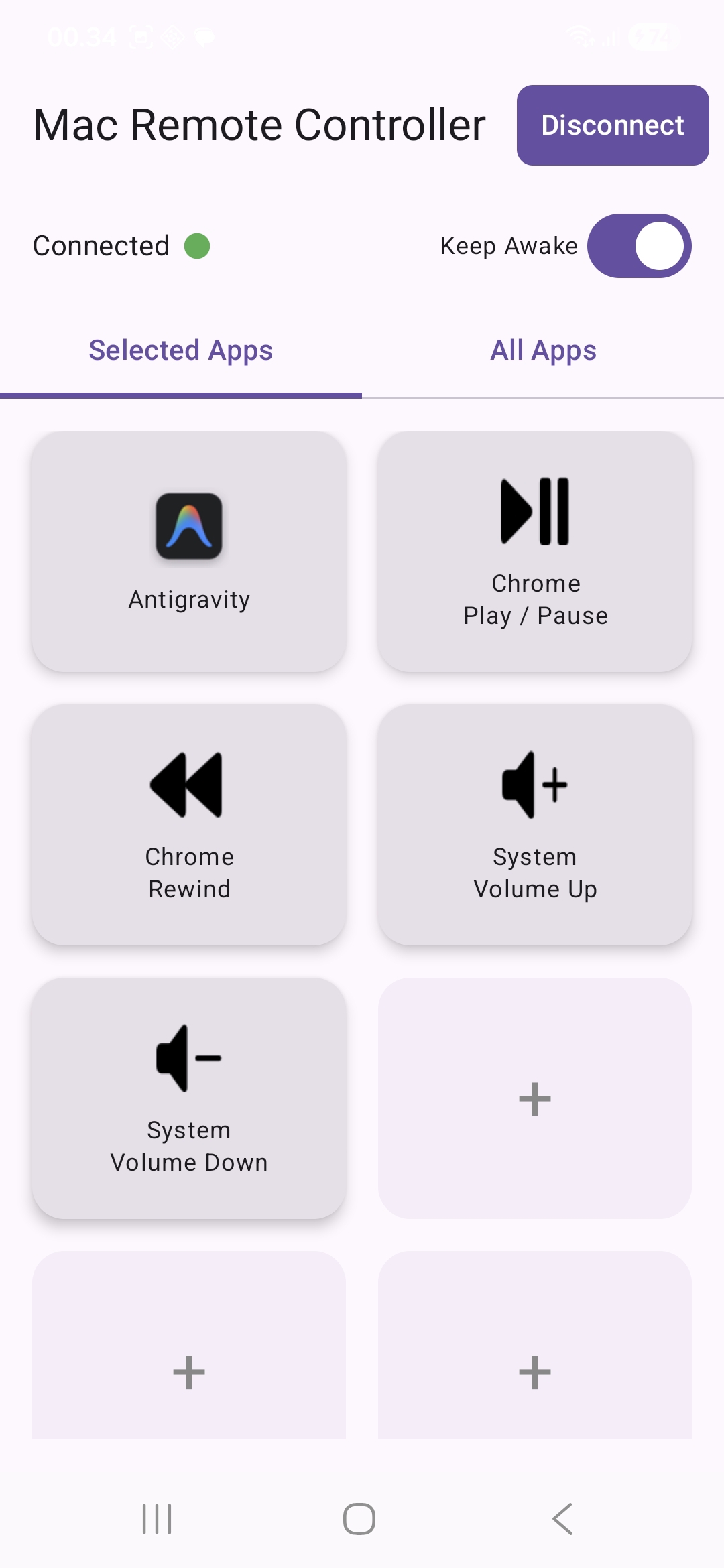
The interface automatically adapts to the app you're actively using on your Mac, providing tailored mobile control actions for each application. Seamless context switching without manual configuration.

📶

Flexible Connectivity

Works seamlessly over your local Wi-Fi network or your own mobile hotspot. Connect from anywhere with reliable, secure communication.

📁

File & Workspace Management

Organize workspace folders, trigger multiple files or links simultaneously, and navigate Finder windows remotely. Complete file management and batch operations from your mobile device.

🎵

Application Integration

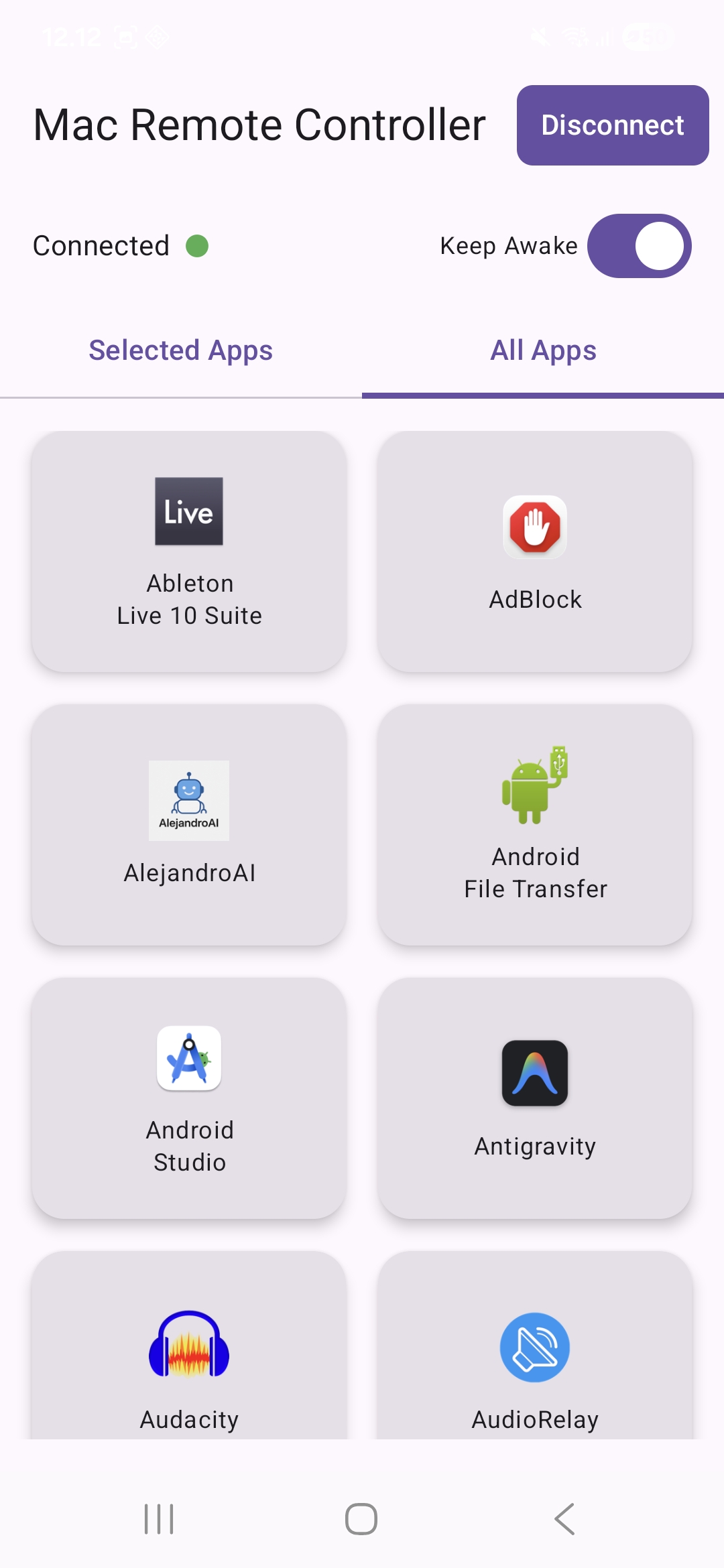
Interacts with the applications you have installed on your Mac. Dedicated controls for media, browsers, and essential work applications like Spotify, Chrome, and Microsoft Teams.

🎮

Complete System Control

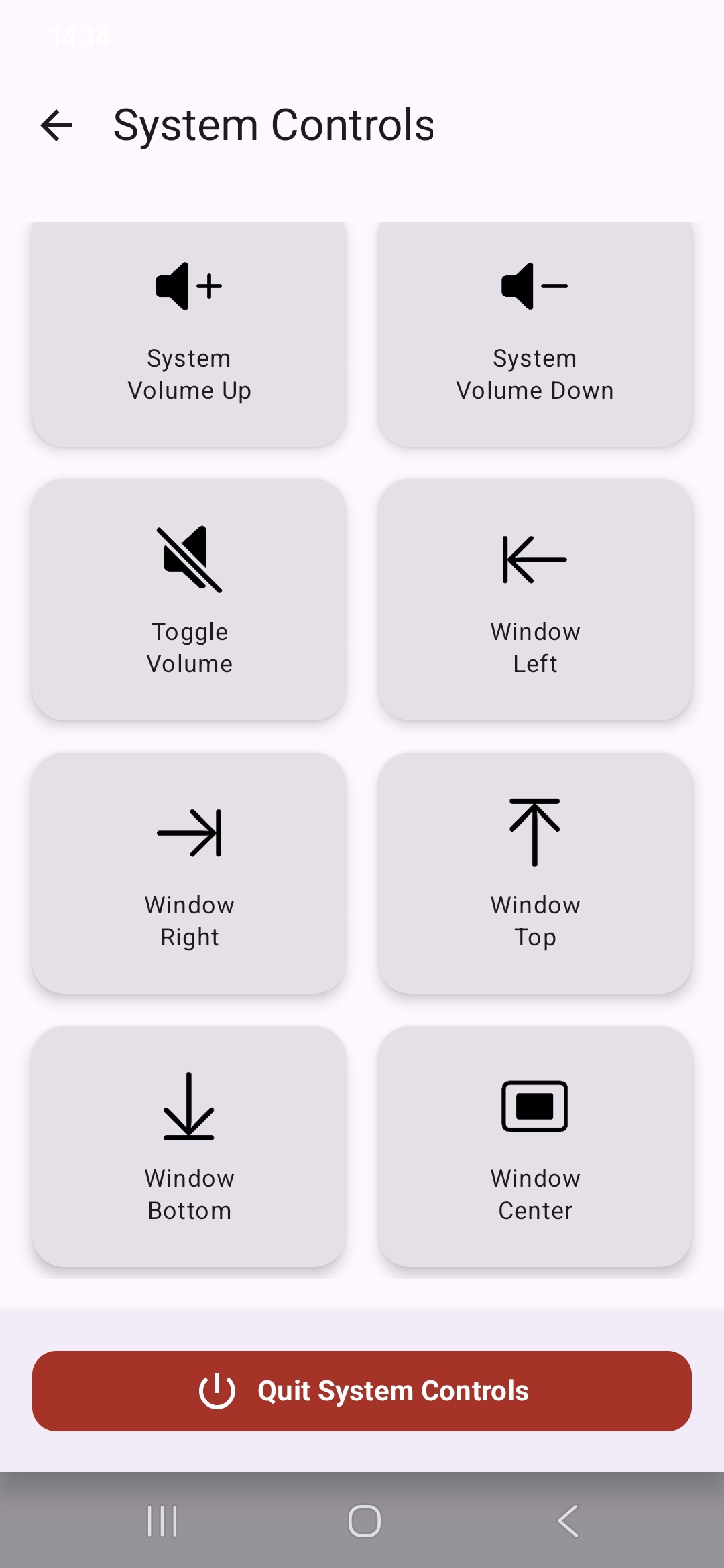
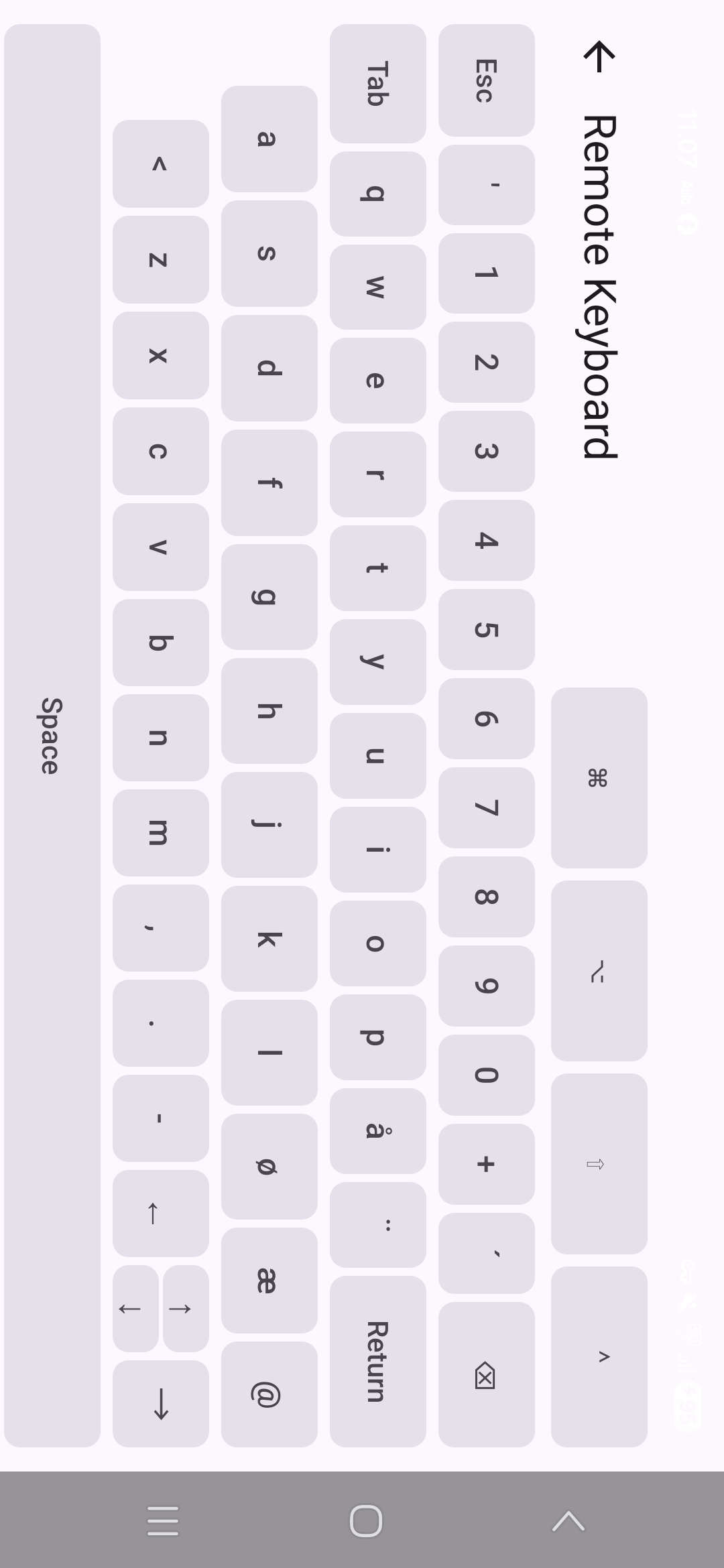
Control media playback, volume, brightness, window management, and keyboard input directly from your phone. Comprehensive control capabilities for professional workflows and presentations.

🔒

Enterprise Security & Performance

Encrypted authentication ensure secure local network communication. Optimized for minimal latency with professional-grade performance for demanding use cases.

See It In Action

Mac Remote Controller Desktop Application

Ready to Control Your Mac?

Download Mac Remote Controller now and experience seamless remote control

GET IT ON Google Play

Available now on Google Play Store • Mac companion app available for download

Frequently Asked Questions

What is Mac Remote Controller?

Mac Remote Controller is a companion app that allows you to control your Mac computer remotely from your Android phone. It provides seamless integration between your Mac and mobile device, enabling you to manage media playback, volume, applications, files, and system settings from anywhere in your home or office.

How does Mac Remote Controller work?

Mac Remote Controller works by connecting your Android phone and Mac over the same local Wi-Fi network or mobile hotspot. After installing the Mac companion app and pairing your devices via QR code, the app establishes a secure connection that allows you to send commands and control your Mac remotely.

What features does Mac Remote Controller offer?

Mac Remote Controller offers comprehensive remote control features including:

  • Smart app following that adapts to your active Mac applications
  • Media playback control (play, pause, skip tracks)
  • Volume and brightness adjustment
  • File and workspace management
  • Integration with applications you have installed on your Mac
  • Window management and keyboard input
  • Secure encrypted authentication

Is Mac Remote Controller free to use?

Yes, Mac Remote Controller is free to download and use. The app offers core functionality at no cost. Some advanced features may be available through optional in-app purchases for users who want enhanced capabilities.

What are the system requirements?

To use Mac Remote Controller, you need:

  • An Android phone running Android 5.0 or later
  • A Mac computer running macOS 10.13 or later
  • Both devices connected to the same Wi-Fi network, or use your mobile hotspot
  • The Mac companion desktop app installed on your Mac

Is my data secure when using Mac Remote Controller?

Yes, Mac Remote Controller prioritizes security. The app uses encrypted authentication to ensure secure local network communication. All data transmission happens over your local network, and no data is sent to external servers. The connection is established directly between your phone and Mac.

Can I use Mac Remote Controller outside my home network?

Mac Remote Controller is designed to work over local networks (Wi-Fi or mobile hotspot). For remote access outside your local network, you would need to set up additional network configuration such as VPN or port forwarding, which is not officially supported by the app.

Which applications does Mac Remote Controller integrate with?

Mac Remote Controller interacts with the applications you have installed on your Mac. The app provides dedicated controls and adapts its interface based on the active application on your Mac, offering context-aware functionality for apps like Spotify (media playback control), Chrome (browser navigation and tab management), Microsoft Teams (meeting controls and productivity features), and Finder (file management and workspace organization).

How do I pair my phone with my Mac?

To pair your devices:

  1. Install the Mac companion app on your Mac
  2. Open the Mac app and click the "Pair" button
  3. A QR code will be displayed on your Mac screen
  4. Open the Mac Remote Controller app on your Android phone
  5. Tap "Connect" and scan the QR code with your phone's camera
  6. The devices will be paired and ready to use

Does Mac Remote Controller work with iPhone or iPad?

Currently, Mac Remote Controller is available for Android devices only. There is no iOS version available at this time. The app is specifically designed for Android phones to control Mac computers.

About Mac Remote Controller

Mac Remote Controller is the perfect companion app for Mac users who want to control their computer remotely from their Android device. Whether you're across the room or in another part of your home, stay in control of your Mac's media playback, volume, and applications.

With an intuitive interface and lightning-fast response times, Mac Remote Controller makes remote control effortless. Customize your controls, keep your Mac awake, and enjoy seamless connectivity between your phone and Mac.

The app features smart application following, which automatically adapts the mobile interface to match the active application on your Mac. This provides context-aware controls for Spotify, web browsers, and other productivity applications.

Mac Remote Controller uses encrypted authentication to ensure secure local network communication. All data transmission occurs over your local network, with no external servers involved, providing both security and privacy.

Note: Some advanced features are available via in-app purchases.